

Greetings!
Sometimes there is a need to "unlink" a Starlink terminal from a current account. This may be relevant if:
- you provide the equipment for use by another person;
- hand over the kit to your colleagues in another unit;
- you are changing your own account and want to register the terminal with different data.
In such cases, an account transfer is required - a procedure that allows you to unlink the terminal from your profile and enable another person to register it under their account.
The following instructions will help you properly transfer the Starlink terminal to a new user.
Before starting the process, check that you have everything you need for the transfer:
- Starlink terminal was purchased 120+ days ago
- The terminal has been operating for at least 90+ days. If it has been less, the system will not allow the transfer.
- No debt on the existing account.
- Data for accessing an existing account: email and password.
- Email of the new owner.
Step-by-step instructions
1. Go to the website www.starlink.com
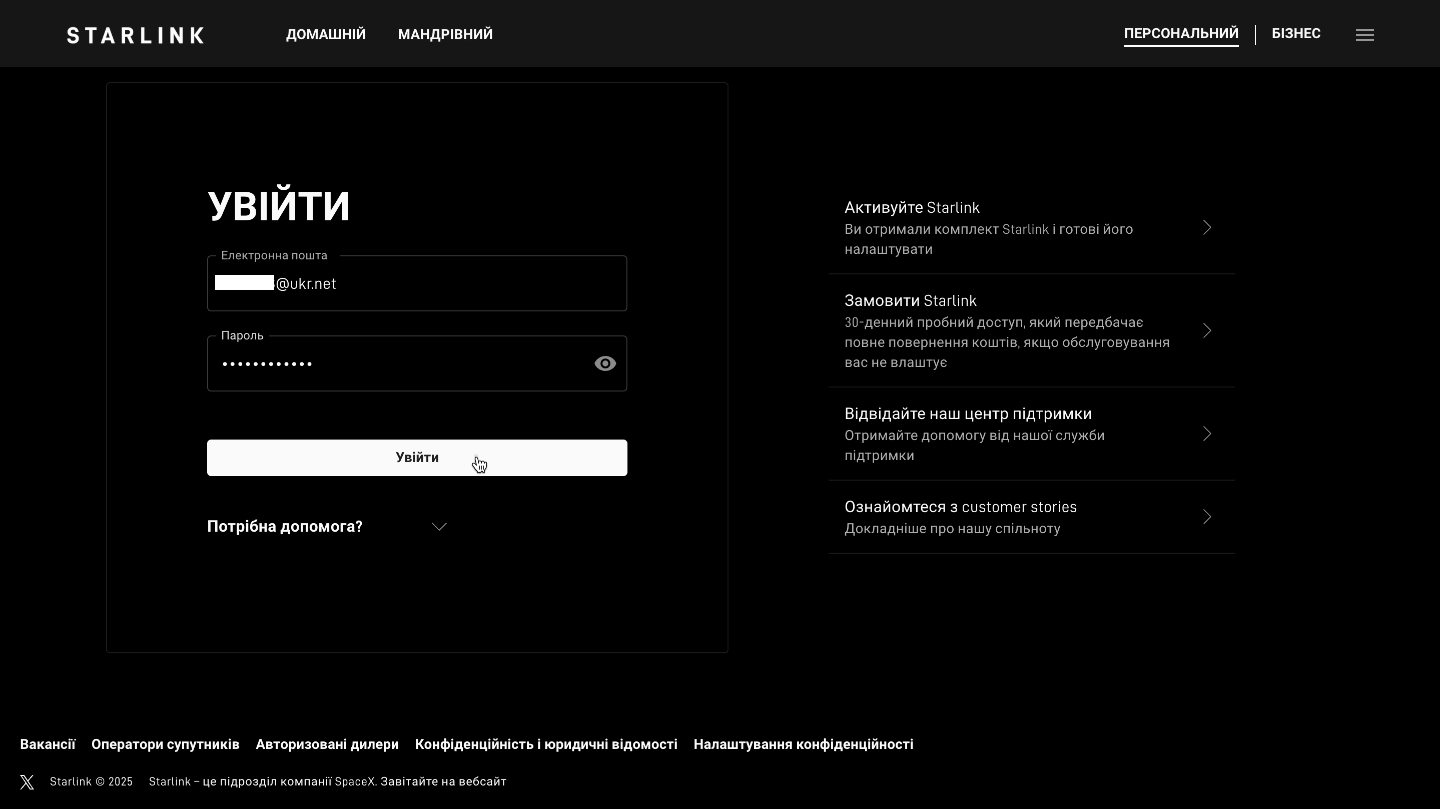
2. Log in to your Starlink account (enter your email, password and confirmation code from your email)

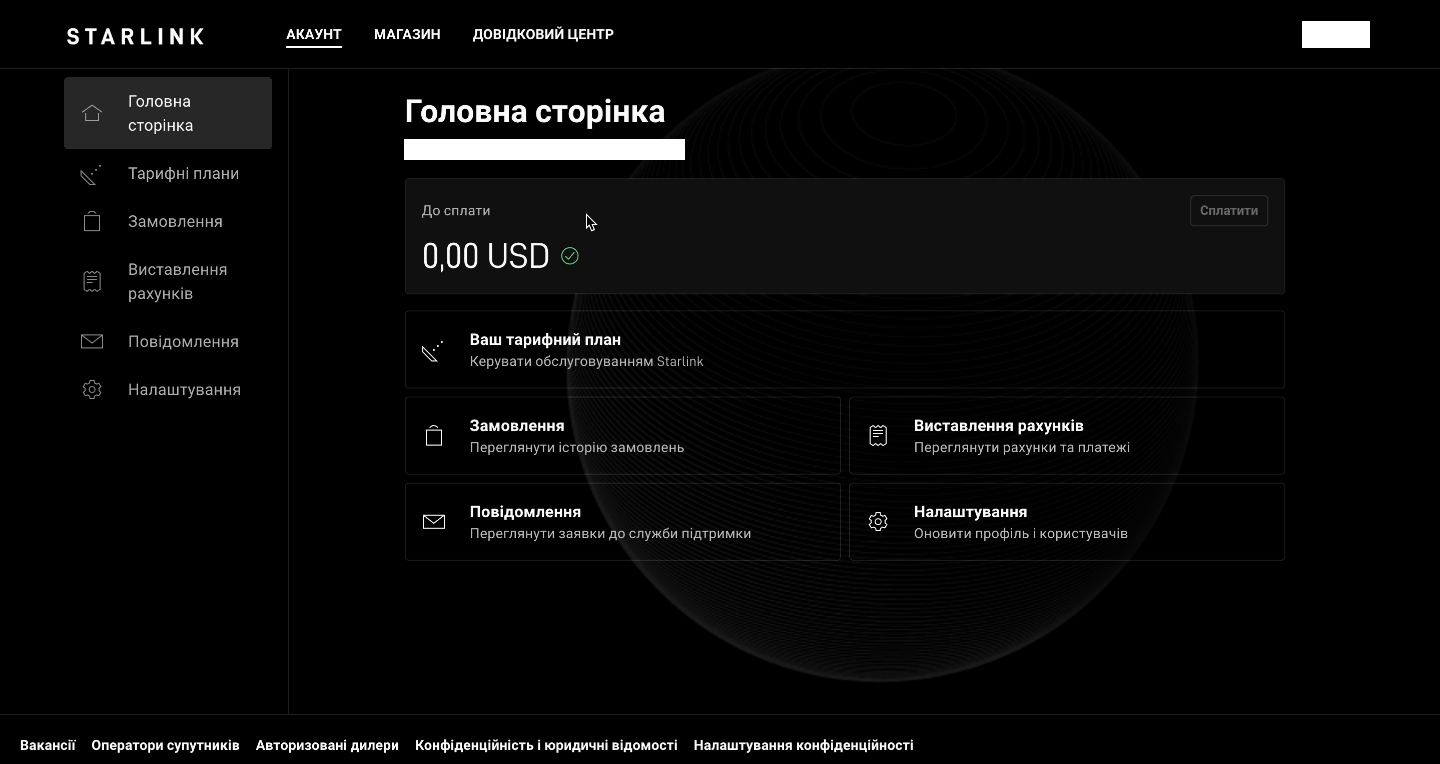
3. Check if there is no debt (it is impossible to transfer to the Starlink terminal with debt). The “Payable” block should contain 0.
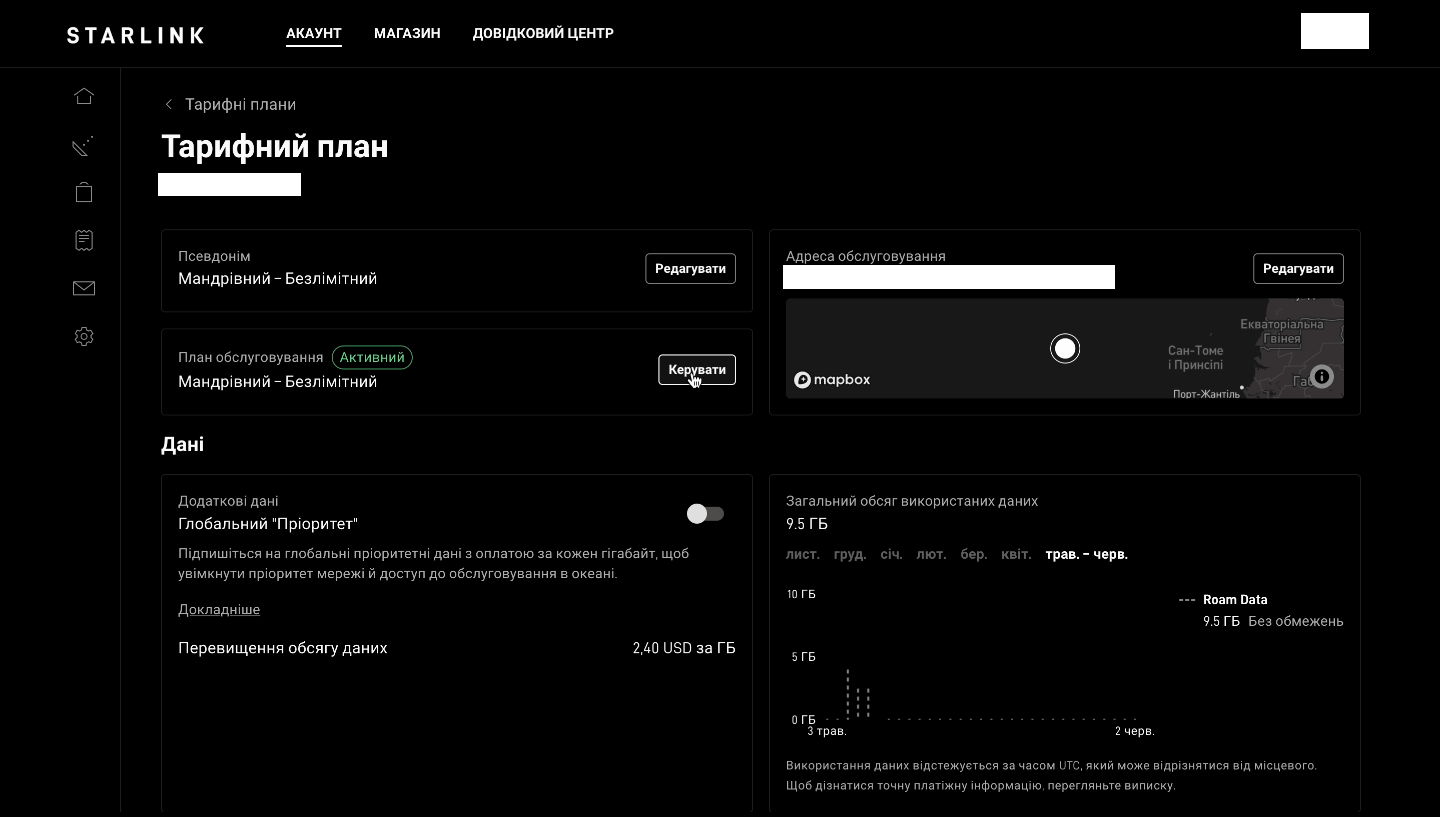
4. To perform the transfer, the terminal must be paused. To do this, you must:
- go to the “Tariff plans” section
- manage tariff plan
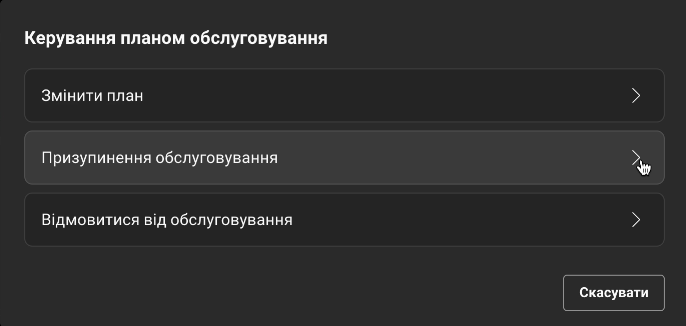
- choose to suspend service
- choose any reason for suspension and enter “Arbitrary” in the comment
5. After pausing the terminal, the "Transfer" button will become active in the "Tariff Plan" section. After you click it and confirm this operation, the terminal will be successfully untied from your account for a new registration.
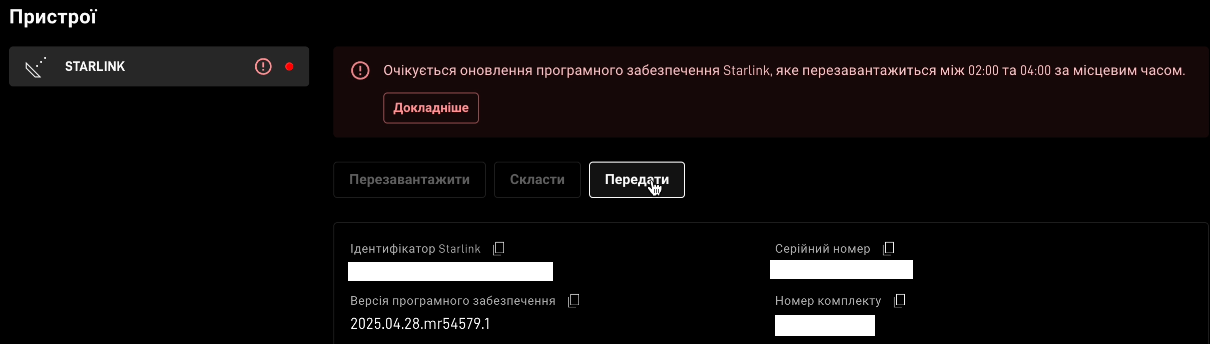
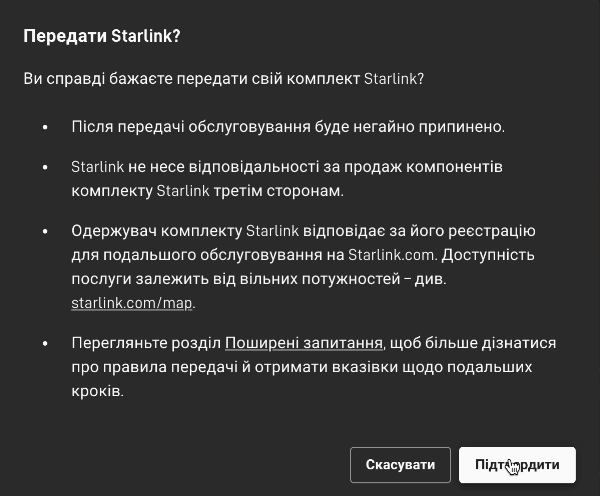
- click “Save Service”
6. If desired, you can immediately enter the email address of the user to whom you want to transfer use of the Starlink terminal.

If you have any questions or are not sure if you did everything correctly, contact Adaptis - we are always here to help.


